How is your hearing today?
A short, guided hearing screening that checks each ear separately using headphones and simple tones. It is designed to help you decide whether a professional hearing evaluation may be worthwhile.
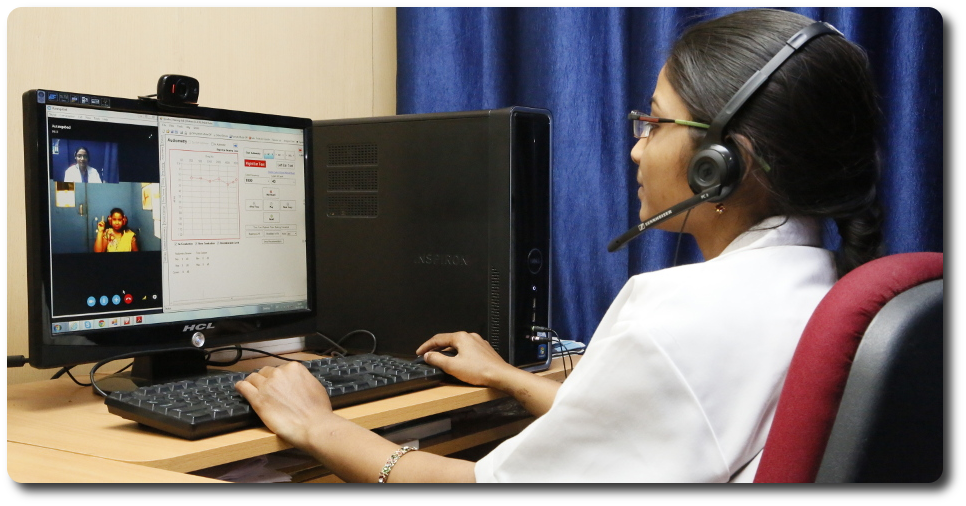
Because phones, computers, headphones and room noise are not professionally calibrated, an online screening cannot establish an exact clinical hearing threshold or diagnose the cause of hearing loss. Use the result as a guide for your next step. A full evaluation by an audiologist uses calibrated equipment and controlled conditions.
Before you begin
Please answer these safety questions. They help determine whether an online screening is appropriate today.
Your hearing experience
These questions are for context and do not replace the tone screening.
Prepare your test
For the most consistent result, use stereo headphones or earphones in the quietest room available.
Sound check
We will play a comfortable 1000 Hz tone. This checks that your device and headphones are working—not clinical calibration.
Left ear
Listen carefully. Press I heard it only when you genuinely hear the tone. If you hear nothing, press I did not hear it.
Right ear
Now we test your right ear separately using the same procedure.
How was the room?
Tell us whether the environment stayed quiet during the tone screening.
Your screening result
Left ear
Heard responses: 0 · Missed responses: 0
Right ear
Heard responses: 0 · Missed responses: 0
Audiogram-style screening graph
This is an online screening result, not a diagnostic audiogram. Browser output is not calibrated to clinical dB HL. If you have hearing concerns, especially sudden change, one-sided symptoms, tinnitus, dizziness or ear pain, arrange a professional assessment.